Admin

Operator of FMK
Admin

Admin

Operator of FMK

Advanced Mask Editor v2.4 for AE | Win/Mac

  • 471
  • 3
hRWKIiz.png

Advanced mask editing toolkit for After Effects. Now, The Mask Editor works with animated Masks. You can merge two animated masks into one mask and copy. flip or mirror your animated element...

Wedding SFX Pack by Runaway Vows

  • 25
  • 0
wedding-sfx-pack.png

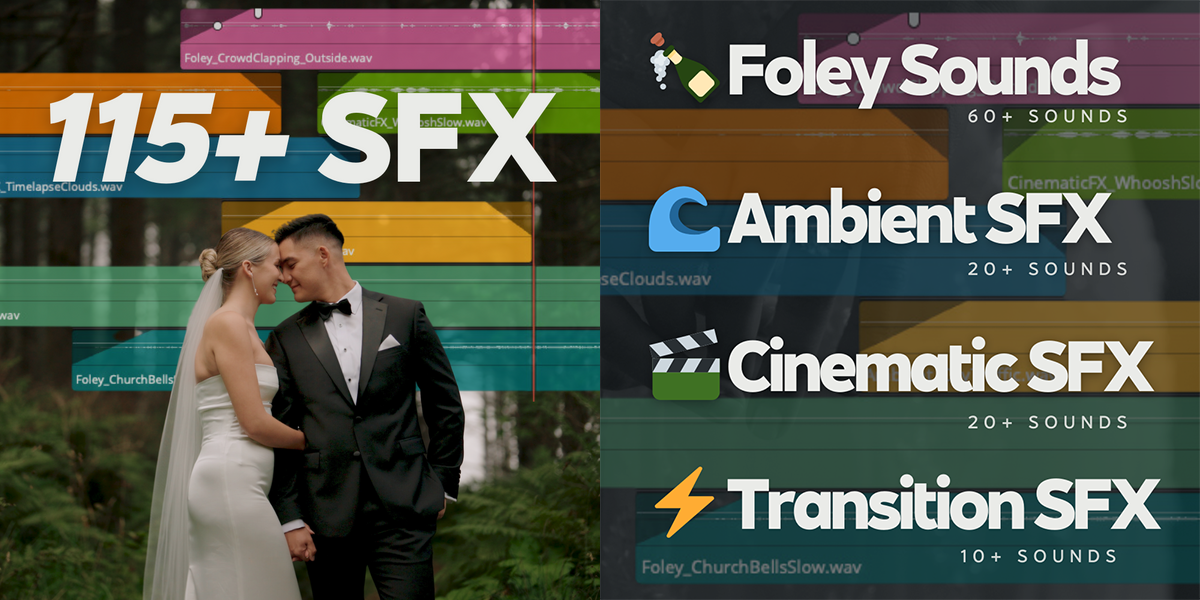
This is the only wedding sound effects pack you’ll ever need. Tailored specifically for wedding filmmakers, this pack will elevate your films with precision-crafted sounds that blend seamlessly into your storytelling. 115+ premium sound effects. Endless possibilities.

Ableton Live v12.2.2 Suite | WiN

  • 8
  • 0
1709682276-4180462976.webp

Ableton Live is fast, fluid and flexible software music sequencer and digital audio workstation for music creation and performance. It comes with effects, instruments, sounds and all kinds of creative features - everything you need to make any kind of music.

Infinite Tools - Infinite Color Bundle v1.0.2 for Photoshop

  • 15
  • 0
Infinite-Color-Bundle.jpg

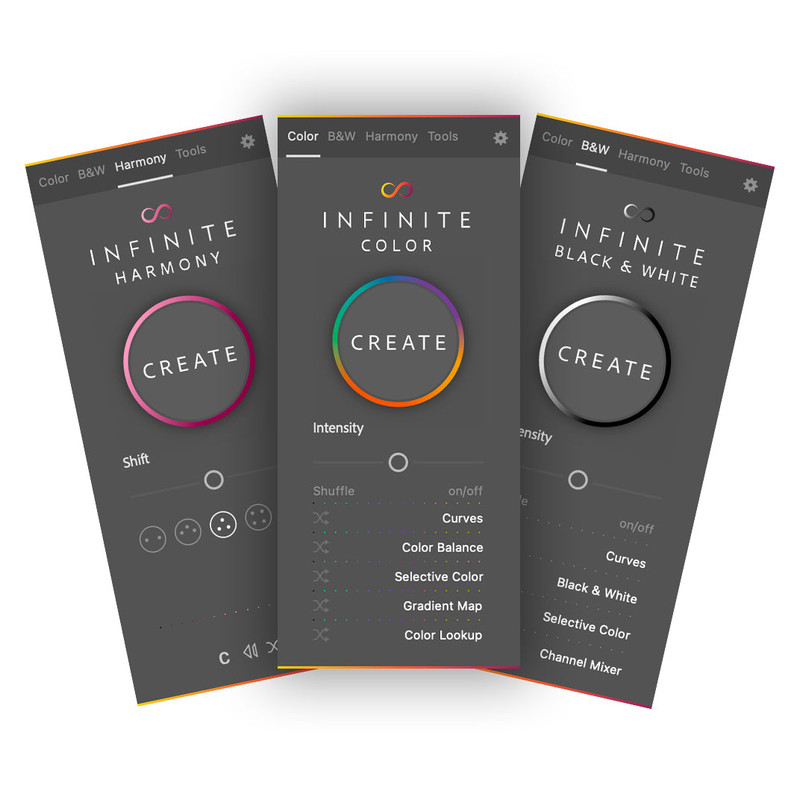
Includes Infinite Color, Infinite Black & White, and Infinite Harmony. Break free from presets. Discover your unique artistic vision with one-click color grade generation, black-and-white conversions, and creative exploration. Your creative journey starts here.

Shift v1.2 for Adobe Pr & Ae (Win) by Zakaria Benkabouche

  • 19
  • 0
eecTB3m.jpeg

Shift for Adobe Pr & Ae - The Color Grading tool designed for all creators. Better than any LUTs. The industry is evolving. It's time to rethink the workflow and design tools for the next generation of filmmakers.
Get the look you want. It's easy, and fast.

Keystone v2.0.9 for AE (Win/Mac)

  • 91
  • 10
1TGTt3H.png

Align, flip, offset, stretch, color labels... and much more! All the essential tools for keyframes and layers in After Effects. Manipulating keyframes and layers have never been so easy In After Effects, manipulating keyframes and layers can be tedious... With Keystone 2, all essential tasks like aligning, stretching, staggering, color labels and much more are just a click away and grouped in a single extension!


Footage Looper v1.0 for Premiere Pro

  • 5
  • 0
splash-38.png

Footage Looper for Premiere Pro - Loop your Footage with just 1 click! And forget about those tedious steps. Control the duration of the loop. Add markers at loop points. Rename the files, Choose folder desitnation.

ColorSwap v1.1 for AE | Win/Mac

  • 15
  • 1
AvMmOdY.png

I just released a new tool for Adobe After Effects® called ColorSwap. It allows you to search & replace colors in your current comp, your selection or your entire project. Super simple and super powerful. Comes in handy when have better things to do than endlessly digging through layers to find the color properties.

Deekay Tool v1.1.9 for AE | Win/Mac

  • 65
  • 3
deekaytool.png

Deekay Tool is a game-changer extension for character animators. Create and save characters just in one click. The New Animate feature gives you the possibility to create and customize your animations with intuitive controls.

drAEw v1.0.15 for AE | Win/Mac

  • 32
  • 7
LFlnKUM.png

drAEw is a creative playground embedded in After Effects. Forget about bouncing between sketch apps and AE — draw, animate, and deploy frame-by-frame shapes within one panel.

FlowPath v1.0 for AE | Win/Mac

  • 15
  • 0
splash-1920x768-2.jpg

FlowPath is a powerful After Effects tool that gives motion designers full control over path-based animation — without baking keyframes. Built entirely on expressions, it enables non-destructive, real-time workflows driven by intuitive UI controls. Animate single or multiple layers along complex paths...

Type v1.6 for AE | Win/Mac

  • 78
  • 3
DFRp4K0.png

A powerful toolset for animating text layers in After Effects. Highlight, underline, add blinking cursors, format numbers, add monospacing, create text boxes, text motion blur, split text, and more. The type of tool you always wanted. Maximum power, minimal design. All made to help you animate text in After Effects.