Admin

Operator of FMK
Admin

Admin

Operator of FMK

Final Cut Pro CS v12.0 [EDiSO]

  • 13
  • 0
image.png

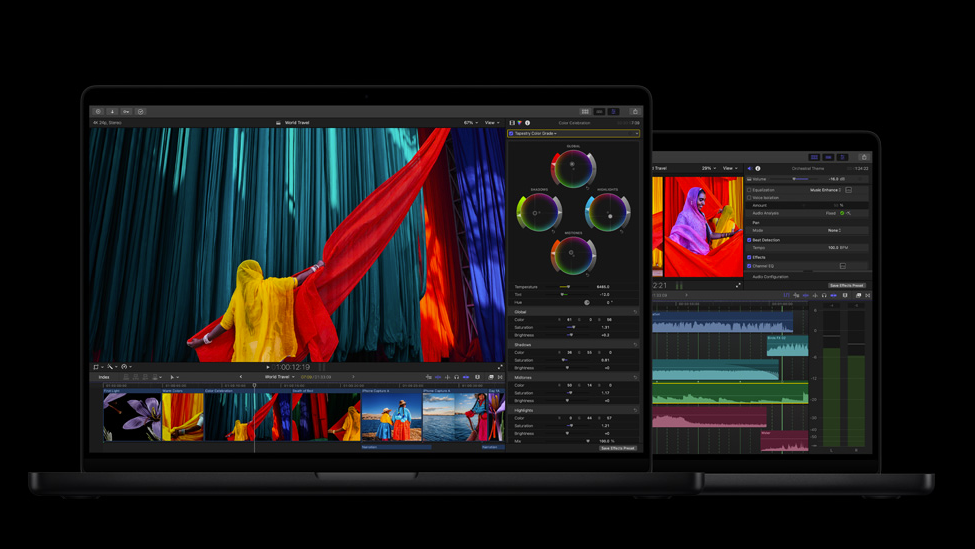
Final Cut Pro makes it easy to create polished, pro-quality videos across Mac and iPad. It’s packed with powerful intelligence features, helping you turn every frame into something unforgettable.

Apple Creator Studio Suite 2026 U2B

  • 18
  • 2
image.png

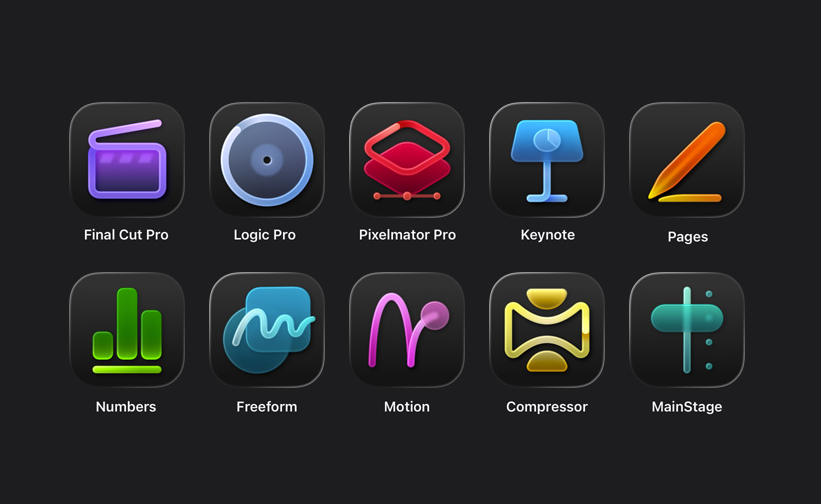
The apps you need for everything you want to create. Craft your stories with video in Final Cut Pro. Reimagine images in Pixelmator Pro. Produce your best music in Logic Pro. Supercharge productivity with premium content in Keynote, Pages, Numbers, and Freeform. Boost workflows with AI features that build on Apple Intelligence. And with Family Sharing, up to five other people can enjoy your subscription too.


ProximityPro v2.0 for AE (win/mac)

  • 13
  • 1
thum-1-cam.jpg

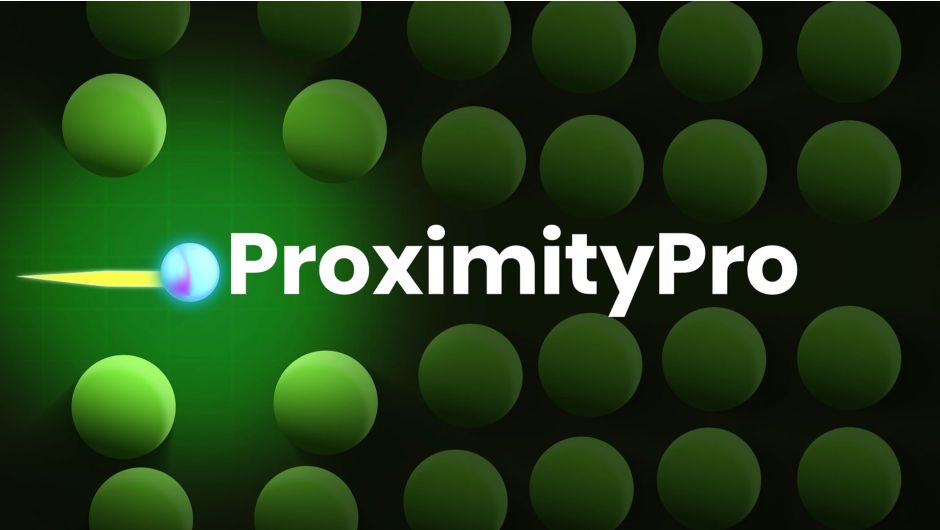
ProximityPro handles all proximity logic for you. No need to search or write expressions. Everything is generated automatically and fully controllable from the Effect Controls panel using a single effector null.

Bevelizer v1.0 for AE (win)

  • 14
  • 0
LOGO-HERO.png

Transform flat shapes into stunning 3D beveled surfaces. Real-time. GPU-powered. The plugin designed for creating chamfers (bevels) is perfect for styling text or any other shapes.

ReColor v1.05 for After Effects | win/mac

  • 6
  • 0
Cover-Image-Wide.jpg

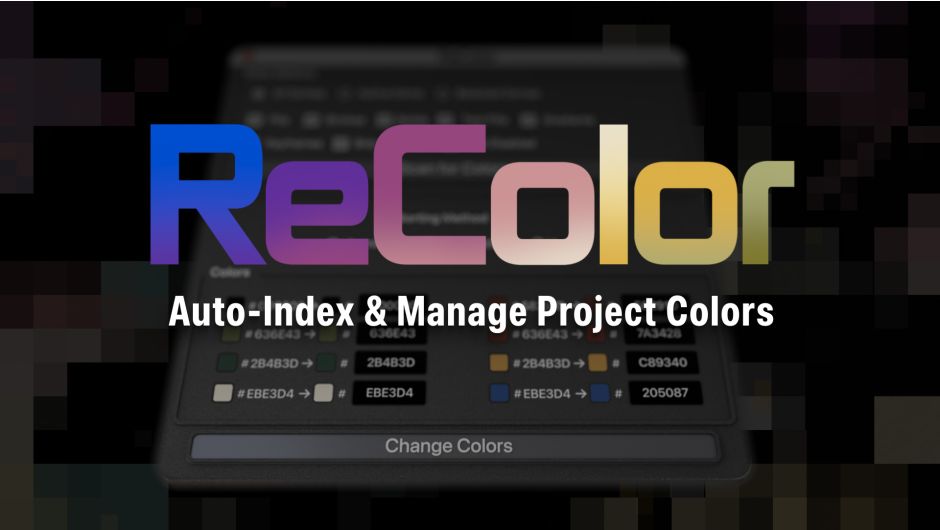
ReColor lets you instantly reveal layer colors used in an After Effects project and update them via hex values or the native AE color picker. It brings the ease of color management found in tools like Figma or Sketch directly into After Effects. With precise scope and targeting controls, ReColor streamlines color management in AE.

Motion Tools Pro v2.1.0 for After Effects (Win/Mac)

  • 127
  • 9
2KdWtcS.jpeg

Motion Tools Pro turns Adobe After Effects into a personalized workspace where your favorite tools are just one click away. This extension helps motion designers save time on repetitive tasks through customizable panels, interactive widgets, and quick access to dozens of scripts and expressions in modern design.

Add Time v1.1.1 for After Effects | Win/Mac

  • 12
  • 1
addtime-keyart-aescripts1920x768.jpg

It’s a tale as old as time - a last minute timing change can wreak havoc on any After Effects file. Adding time means moving keyframes, adjusting comp lengths, extending layers, double checking endpoints - all just to ensure that nothing breaks the next time you click export. And that’s just for one comp.

PRE Nobe Omniscope Pro v1.10.168 | macOS

  • 24
  • 1
riZB117.png

Nobe OmniScope is loaded with powerful features that make color grading easy. OmniScope features 19 types of scopes that can be freely arranged and docked in the workspace. Layouts then can be saved and reloaded depending on your project setup.

Cinedeck cineXtools v2.0.25 (Win64; PRM, AMA, DVCP, SAL)

  • 12
  • 0
cine-Xtools-1.jpg

CineX Suite reduces delivery cycles by letting you update just the change without re-export, helping you to streamline your file mastering process. cineX Suite is comprised of three components, cineXtools, cineXplugins and cineXmeta, that all work together to supercharge your file deliveries.

mWedding 2 for Davinci Resolve

  • 21
  • 0
image.png

Introducing mWedding 2 — a minimalistic & elegant wedding video essentials pack filled with timeless, classy visuals to preserve a beautiful memory of the day.

Color Grade Prompter v1.4.46 for AE/Pr (Win)

  • 73
  • 5
QpXTNL3.png

A.I.-based plugin for easy and fast color grading based on textual inputs and image layers. Supports After Effects and Premiere Pro. Color Grade Prompter allows you to grade your footage based on natural text inputs or layers. You can easily blend between the provided layers and text inputs. Exporting the result to a LUT gives you full freedom over your workflow.

Bullet Time v1.2.46 | AE Plugins (Win)

  • 105
  • 9
FMFe3XF.png


AI-based frame interpolation with large motion for extra smooth slow-motion. Slow-Motion from your footage. Create smooth slow-motion videos from footage shot at 24, 30, or other common frame rates. For instance, a 30fps clip can be easily converted to 120fps for a seamless slow-motion effect.